
Helping parents to support their child’s transition to secondary school
Tools
Articulate Rise
QuickTime Player
Audacity
Features
Scenario, labelled graphic, sorting activity, buttons, matching questions, embedded files / videos / audio, flashcards
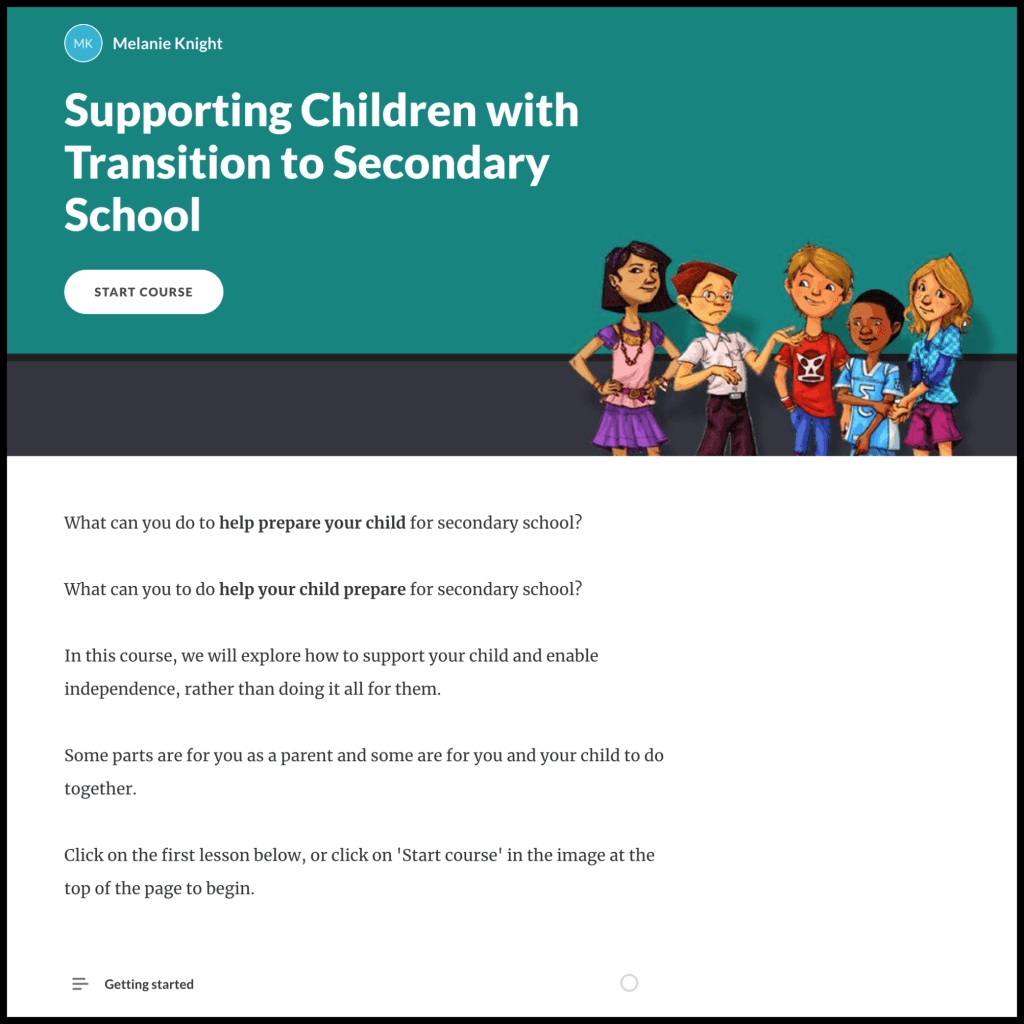
The Community Learning and Skills Service had previously delivered face-to-face courses about transition in schools, but were now finding it hard to get parents to sign up for in-person courses.
I proposed creating an online course for asynchronous delivery to enable parents to access the course at a time that suits them. I chose to use Articulate Rise to develop the course quickly and to enable the course to be easily viewed. on a mobile device or tablet, as I knew that not all families have access to a computer.
The content, worksheets, images and video clips were taken from PowerPoint material and handouts that had been delivered as an instructor-led course online (via Zoom) and in person. I used QuickTime Player to trim video clips before embedding them into the course.
I used Audacity to record and edit a short audio clip with an example of a body scan meditation, which is embedded into the page about mindfulness.
Parts of the course had been delivered to just parents, and other parts had been attended by parents with their children, so I tried to include reflection questions that would encourage parent-child interaction as much as possible, and scenarios that would enable parents to practise conversations that they might have with their child.
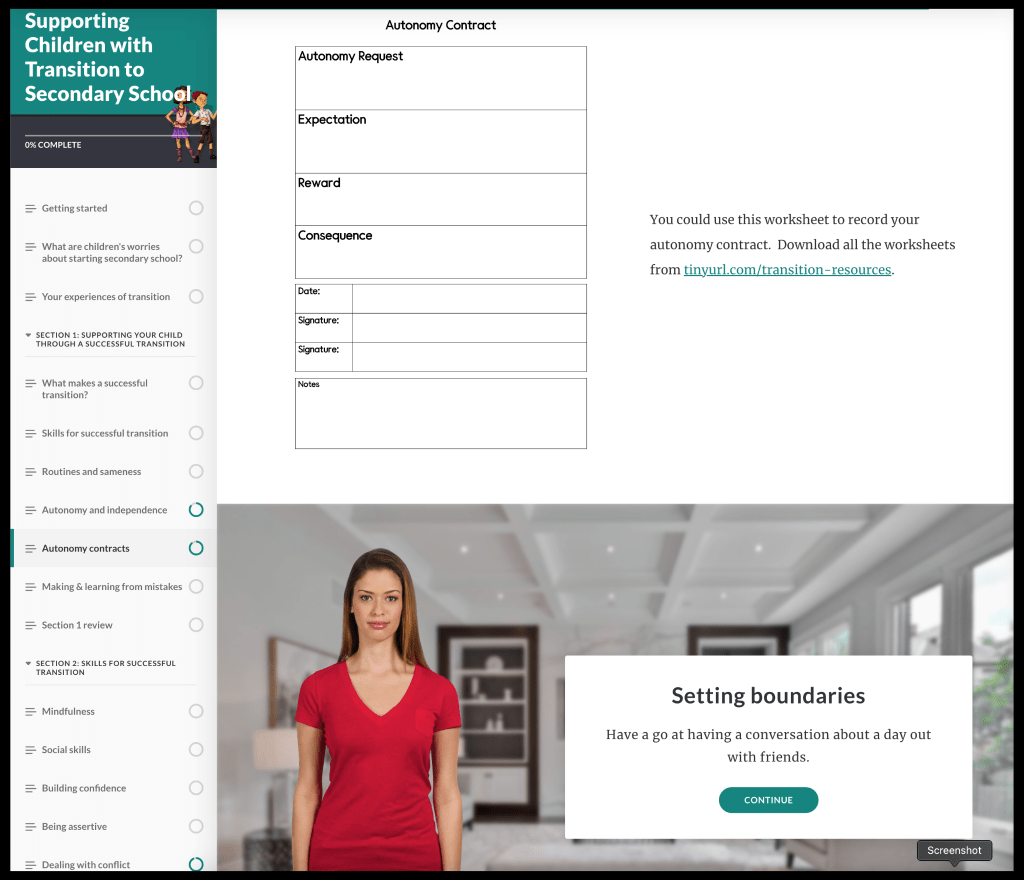
I chose not to include quiz-type questions in this course, as I did not want parents to feel anxious that they were being ‘assessed’ or ‘tested’.
The Community Skills and Learning Service did not have an LMS or a suitable website to host the course, so the course was hosted as a preview on Articulate’s websites, with worksheets available to download from Google Drive.
 Melanie Knight